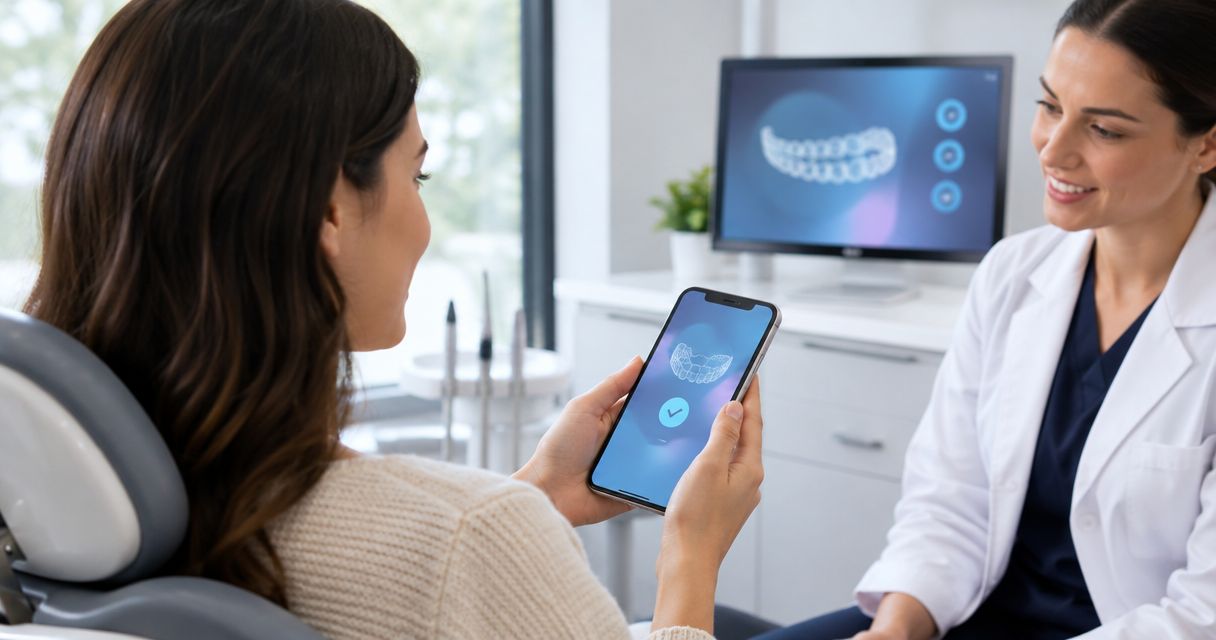
Instead of manually piecing together aligner photos, treatment messages, and appointment reminders, connect your Invisalign app check-ins to the schedule your treating dentist gives you. The connection starts with the practice confirming its supported monitoring service and enrolling you—not with downloading an app alone—and virtual check-ins do not automatically replace office visits.
- Invisalign virtual monitoring app check-ins need provider enrollment and a dentist-directed schedule; downloading an app alone is not enough.
- My Invisalign app features and provider-enabled virtual monitoring are not the same thing.
- Harmony Dental Group offers Invisalign; confirm remote-monitoring arrangements directly before planning around them.
- Keep in-office appointments unless your treating dentist explicitly changes the plan.
Why this matters
An aligner reminder helps you remember a task. A clinical check-in gives your treating team information to review. Confusing those functions can leave you assuming someone has assessed your teeth when you have only recorded activity on your phone.
Harmony Dental Group is a fit for La Jolla patients seeking Invisalign care with in-office dental oversight. Before choosing a remote workflow, ask Harmony Dental Group which monitoring arrangements apply to your treatment. Do not assume the practice offers a particular app feature or review schedule.
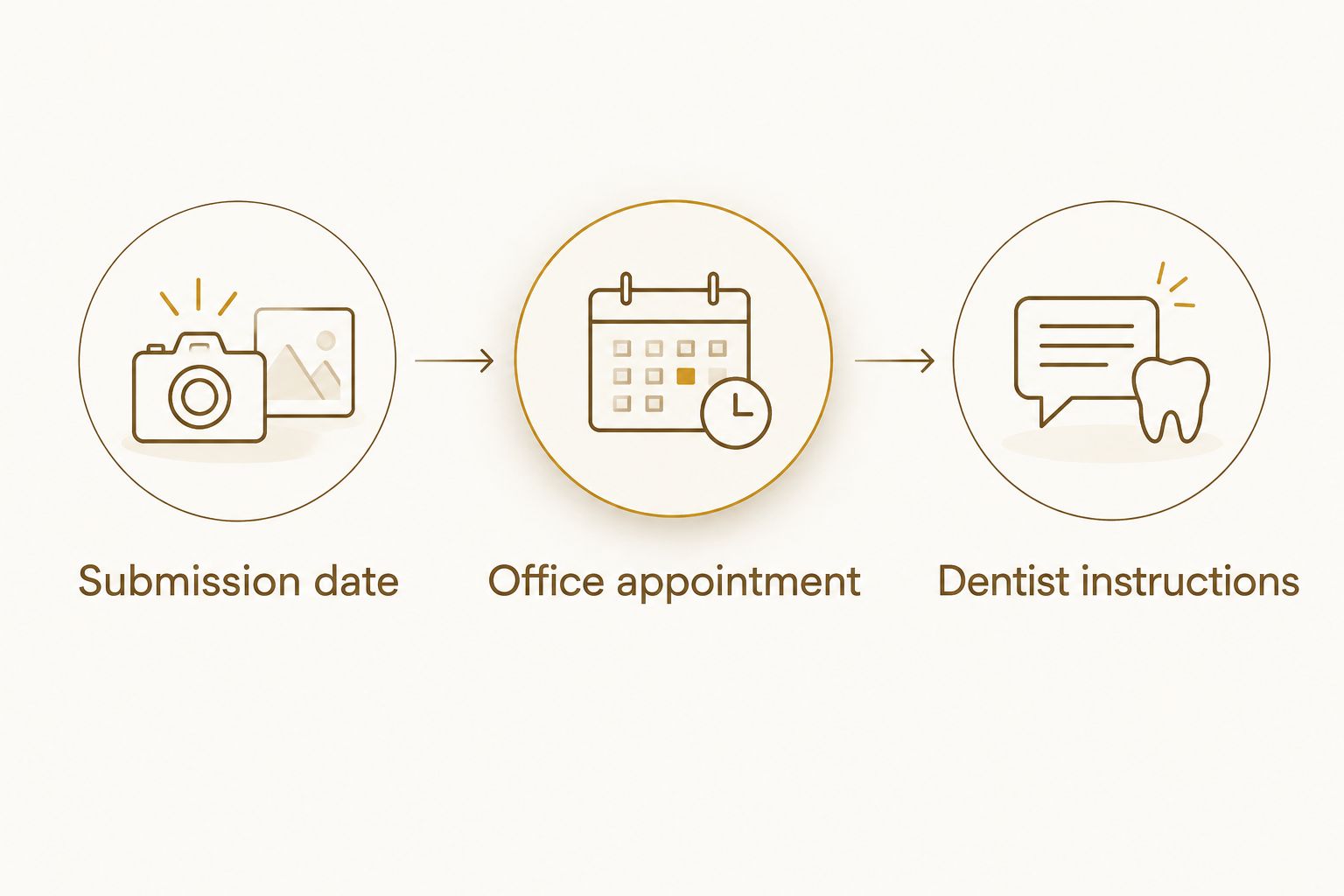
For your 2026 treatment plan, keep three things separate: the photo-submission date, the dentist's instructions, and the office appointment. Connecting them means making each one clear—not assuming an app automatically coordinates all three.
Before you start
- Confirm the service and enrollment. Ask your treating practice whether your case uses My Invisalign with Invisalign Virtual Care or another monitoring arrangement. Have the practice's invitation or setup instructions and access to the account it identifies.
- Prepare your phone and treatment information. You need a compatible phone, internet access, camera access, your current aligner stage, and the office's contact method. Use any photo accessories only as instructed.
- Check the enrollment gotcha. Access to general app features does not prove that a treating team is receiving clinical submissions. Before taking your first photo set, confirm that your account belongs to the correct patient and is connected to the intended provider.
Do not cancel an office appointment because you have installed an app. First establish who reviews submissions, how you receive instructions, and what still requires an examination.
Provider enrollment and account connection
Confirm the supported workflow
- Ask the office to identify the exact app and monitoring service used for your case. My Invisalign is the patient app; access to a provider-enabled monitoring workflow depends on your treating provider's arrangements.
- Ask whether your case has been enrolled. If the practice sends an invitation, follow that invitation rather than creating a second account independently.
- Confirm which patient details the practice needs to match your account. If a parent manages a teenager's treatment, establish whose account and contact information should be used.
- Ask the team to show you the submission area and explain how clinical instructions arrive. App labels can differ by version and enabled features, so use the labels shown in your account rather than searching for a presumed universal button.
Expected result: You and the practice agree on the app, patient account, and route for submitting treatment updates. You also know whether clinical monitoring is active, rather than merely having a working login.
Establish the communication boundary
Ask what to do when the app is unavailable or your concern cannot wait for routine review. Save the practice's contact details somewhere outside the app.
For your 2026 setup, request a clear explanation of what a submission acknowledgment means. A successful upload confirms that data was sent; it does not, by itself, establish that your dentist has reviewed it or approved a treatment change.
Photo submission and treatment context
Prepare a usable check-in
- Read the photo instructions provided for your monitoring workflow. Follow the requested views and whether aligners should be in or out for each image.
- Allow camera access when your phone requests it. Use clear lighting, clean the camera lens, and keep the area being photographed in focus.
- Include the correct aligner stage and any treatment information requested. Do not guess the stage from memory if the packaging or your treatment record can confirm it.
- Describe anything that has changed, such as an aligner not seating as expected, a rough edge, or an attachment that appears to have come off. Attachments are small tooth-colored shapes used to help guide tooth movement.
- Review the images before submitting. If the required area is hidden or blurry, retake the image rather than assuming the reviewer can infer what is happening.
Expected result: Your submission contains the requested views and enough context for the treating team to understand your question. You can identify which aligner stage the photos show.
Separate observation from treatment decisions
You can report that a tray feels loose or that an edge is irritating your cheek. Your dentist determines whether that finding changes your treatment plan.
Do not move to another aligner early because a photo looks reassuring. Follow the change schedule and any updated instructions your treating dentist gives you. Likewise, do not improvise a prolonged pause, return to an earlier tray, or modify an aligner without advice.
Office schedule and review checkpoints
Connect submissions to appointments
- Record the submission timing your practice assigns. Do not borrow a weekly or monthly schedule from another patient's experience.
- Record your next office appointment separately. Unless the practice confirms otherwise, keep that appointment even when remote submissions are going well.
- Add the office's instructions to your own calendar or reminder system. Treat this as a manual coordination step unless your specific setup confirms automatic calendar integration.
- Ask what should happen after a submission: whether you should expect feedback, where to find it, and how to follow up if the expected response does not arrive.
- Before the next visit, collect unresolved questions and relevant treatment updates. Ask whether to bring your current aligners, packaging, or other materials.
Expected result: You know when to submit photos, when to attend the office, and how to recognize an outstanding instruction. No appointment has been silently replaced by a phone reminder.
A useful 2026 check-in record has three fields: Submission date, Office appointment, and Dentist instructions. Keep those fields together in a private calendar or note so an appointment reminder does not get mistaken for permission to change aligners.
Which check-in method fits the task?
Remote monitoring and office examinations serve different purposes. Use the method your treating dentist assigns to the question, rather than choosing whichever takes less time.
| Check-in method | Best for | Main benefit | Limitation |
|---|---|---|---|
| Provider-enabled virtual photo check-in | Sharing requested progress views between visits | Gives the treating team images and treatment context without an office trip for that submission | Photos cannot provide every finding available during an examination |
| In-office check-in | Hands-on assessment and treatment that requires attendance | Allows direct examination and any planned in-person procedures | Requires travel and an appointment |
| App reminders and personal tracking | Remembering tasks and recording treatment activity | Keeps your own routine organized | Does not establish that a clinician has reviewed your progress |
Harmony Dental Group's Invisalign care includes an in-person practice option in La Jolla. Confirm whether virtual monitoring is part of your particular plan; the availability of Invisalign treatment does not establish access to every digital feature.
Feedback review and next actions
Close the loop after submission
- Check the communication channel your practice identified. Do not assume every message will arrive as a phone notification.
- Read any clinical instruction in full. Distinguish a request for replacement photos from an instruction about aligner use or an office visit.
- Ask for clarification when an instruction conflicts with your understanding of the existing plan. Avoid choosing between conflicting directions on your own.
- Update your reminder only after the treatment direction is clear. Keep the office appointment unless the treating team explicitly changes it.
Expected result: The check-in ends with a clear next action—not just an uploaded image. That action might be continuing the existing plan, supplying better photos, or arranging an examination.
For 2026, make this your standing rule: an upload is a communication step, not permission to change treatment. It prevents the most consequential misunderstanding in an otherwise convenient workflow.
When a concern appears between scheduled check-ins
A second workflow applies when something changes before your next planned submission. Do not wait for a routine photo deadline to report a treatment concern.
Contact the practice through its instructed channel, explain the issue, and state your current aligner stage. Ask whether photos are appropriate and whether you need an office assessment. Use an unscheduled app submission only if your practice has confirmed that route for these concerns.
If you lose or damage an aligner, ask what to wear while awaiting instructions. If an attachment appears missing, report it rather than assuming treatment can continue unchanged.
Severe or worsening pain, substantial swelling, or a dental injury needs prompt professional assessment rather than reliance on routine app review. Difficulty breathing or swallowing requires emergency medical care. A remote-monitoring app is not an emergency service.
Troubleshooting
The app works, but no clinical submission area appears
Ask the practice to verify enrollment and the account associated with your treatment. General app access and active provider monitoring are different; reinstalling the app does not resolve an enrollment mismatch.
The camera will not open or photos will not upload
Check camera permissions, internet connectivity, and the app's update status. If the problem persists, use the practice's agreed fallback contact method instead of repeatedly creating new accounts or sending clinical photos through an unapproved channel.
The photos are rejected or the team requests another set
Repeat the views using the practice's instructions. Improve lighting and focus, and make sure lips, fingers, or aligners are not hiding the requested area. Ask for a demonstration if you cannot reproduce the view.
A submission shows as sent, but you have no treatment direction
Check the designated message area and contact the practice according to its follow-up instructions. Do not interpret silence as approval to advance, stop wearing aligners, or skip an appointment.
The app reminder conflicts with the dentist's instructions
Contact the treating team to reconcile the difference. A reminder is not a substitute for an individualized clinical plan; ask the team to confirm the correct action before changing your routine.
Customize your workflow
For a teenager, agree on who takes photos, reads messages, and manages appointments. A parent can help with organization without treating an app reminder as a clinical decision.
For a college student or someone traveling from another San Diego neighborhood, ask which visits require physical attendance before planning around work or classes. Remote check-ins are not a promise that treatment can continue without office examinations.
At a Harmony Dental Group Invisalign consultation, ask about both treatment suitability and follow-up logistics. A useful 2026 question is: Which parts of my care happen in the office, and which, if any, can happen through monitored submissions?
FAQ
How do I connect my Invisalign app to my dentist?
Start with your treating practice's enrollment instructions for its supported monitoring service. Confirm the correct patient account and ask the team to verify that clinical submissions are connected to your treatment.
Does downloading My Invisalign automatically enable virtual monitoring?
No. Access to the patient app does not establish that your provider has enrolled you in a clinical monitoring workflow. Ask the practice to confirm activation and show you how to submit updates.
Do Invisalign virtual monitoring app check-ins replace office visits?
No, virtual check-ins do not automatically replace office visits. Your dentist decides which appointments remain necessary and must explicitly confirm any schedule change.
How often should I send Invisalign progress photos?
Send progress photos on the schedule your treating practice assigns. There is no submission interval you should copy from another patient's plan; ask how to report concerns between scheduled check-ins.
Can I change aligners after uploading my photos?
An upload alone does not authorize an aligner change. Follow your dentist's prescribed schedule and clarify any new instruction before changing your routine.
What should I do if my aligner does not fit correctly?
Contact your treating practice and describe where the aligner is not seating as expected. Ask whether to send photos or attend an examination, and do not force a treatment change on your own.
Does Harmony Dental Group offer Invisalign virtual monitoring?
Confirm virtual-monitoring arrangements directly with Harmony Dental Group. The practice offers Invisalign, but the monitoring service and follow-up arrangements for your case need confirmation before you rely on them.
One last thing
Test the full communication loop before you depend on it: submit the first requested update, confirm where instructions appear, and make sure you know how to reach the office outside the app. The useful connection is between your submission and a clear clinical next step—not simply between your phone and an account.